ANDROID CLOSED BETA · 1.4.14
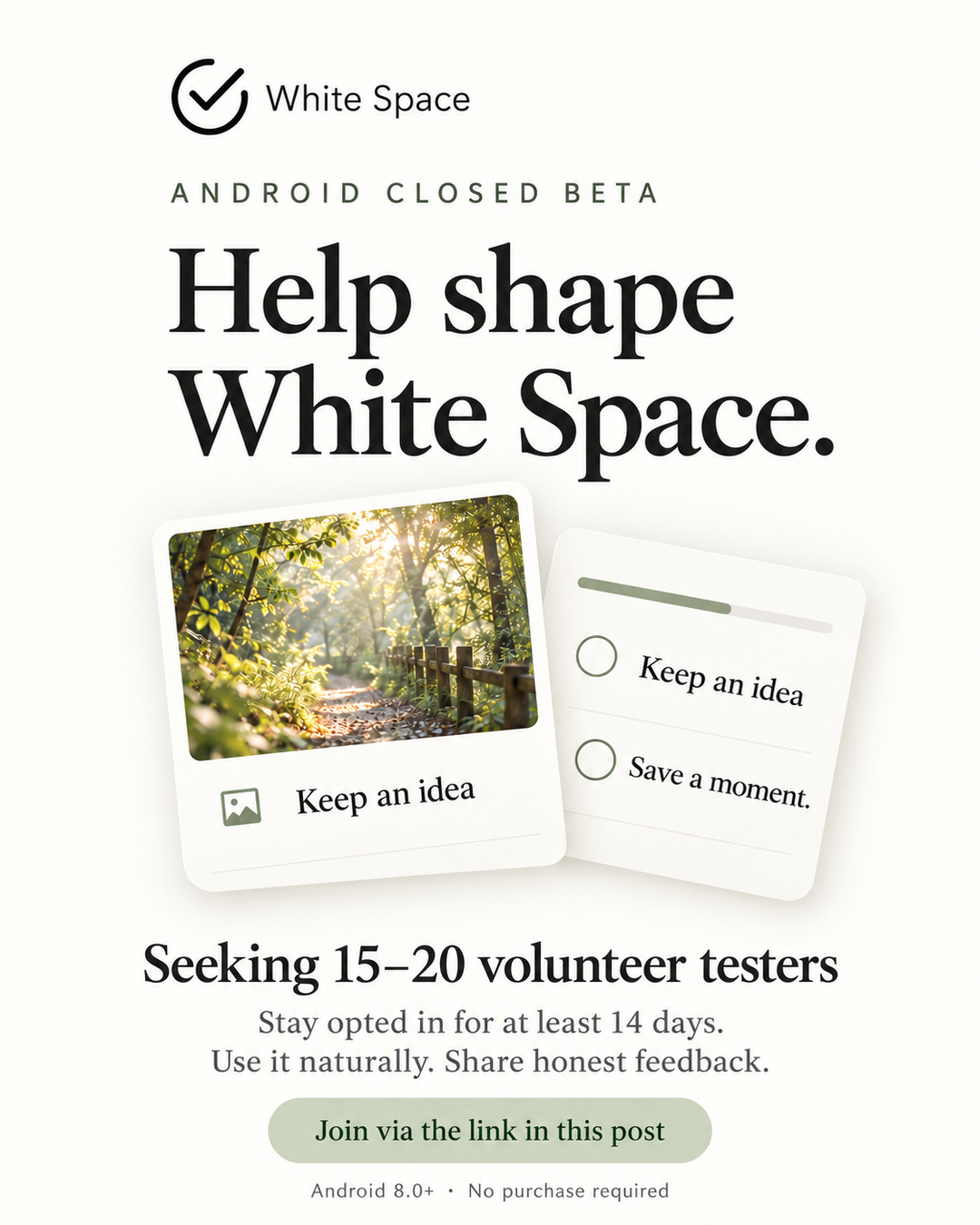
Help shape White Space.
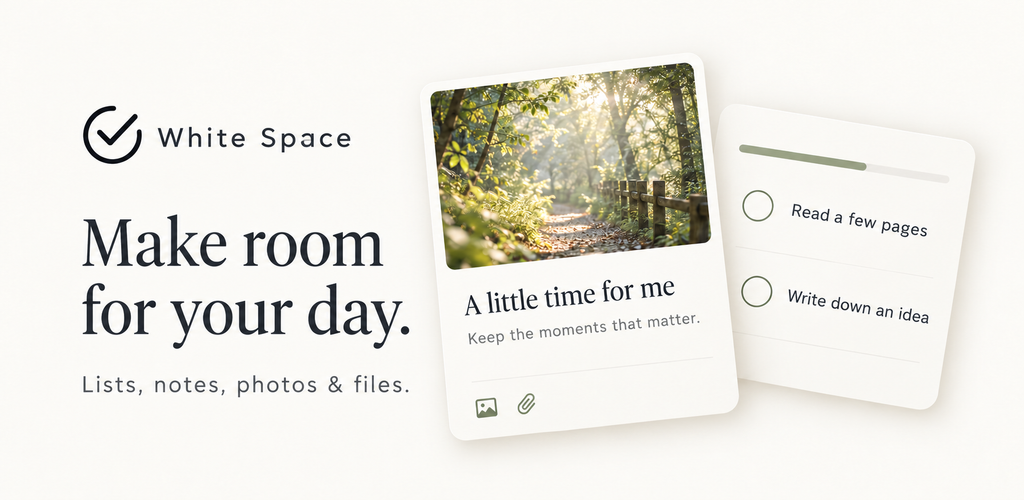
A calm place for lists, notes, photos and files. Write down an idea, keep a moment and make a little room for your day.
We’re seeking 15–20 volunteer Android testers. Join our Google Play closed beta, stay opted in for at least 14 consecutive days, use the app naturally and share honest feedback.
Three steps to join
Use the same Google account for all three steps. Google Play access and availability in your region are required.
Join the group
Join the approved tester Google Group with your Play account.
Join tester groupAccept the test invitation
Open Google Play and choose “Become a tester”.
Become a testerInstall and explore
Install from Google Play, then try it in your daily routine.
Open Google Play
Already a member of TestCrew’s tester group? You can start at step 2. If Play says you are not eligible, check that both pages use the same account and that your group membership is active. Email us if you still cannot join.
A few things to try
- Write a note, attach a sample photo or video, and preview it.
- Organize tasks, subtasks and numeric progress.
- Explore month, week and day calendar views; drag to reorder items.
- Try automatic sync after signing in. Free accounts include 200 MB of cloud attachment space.
- Complete an item from the home-screen widget and tell us how it feels.
Your feedback matters
Send feedback to cletuspjohnruainec@gmail.com
After joining, share your phone model, Android version and preferred language. For an issue, include what you tried, what you expected and what happened. Screenshots are welcome after removing private details.
The interface supports English, Traditional Chinese, Simplified Chinese, Japanese and Korean. This is a closed testing release, not a public production launch. Subscription purchases are not enabled. No purchase or positive public review is required, and there is no payment or reciprocal-testing commitment. Use sample content and keep your own copy of anything important. Do not send passwords, verification codes or sensitive personal files.
留白 · ANDROID 封閉測試
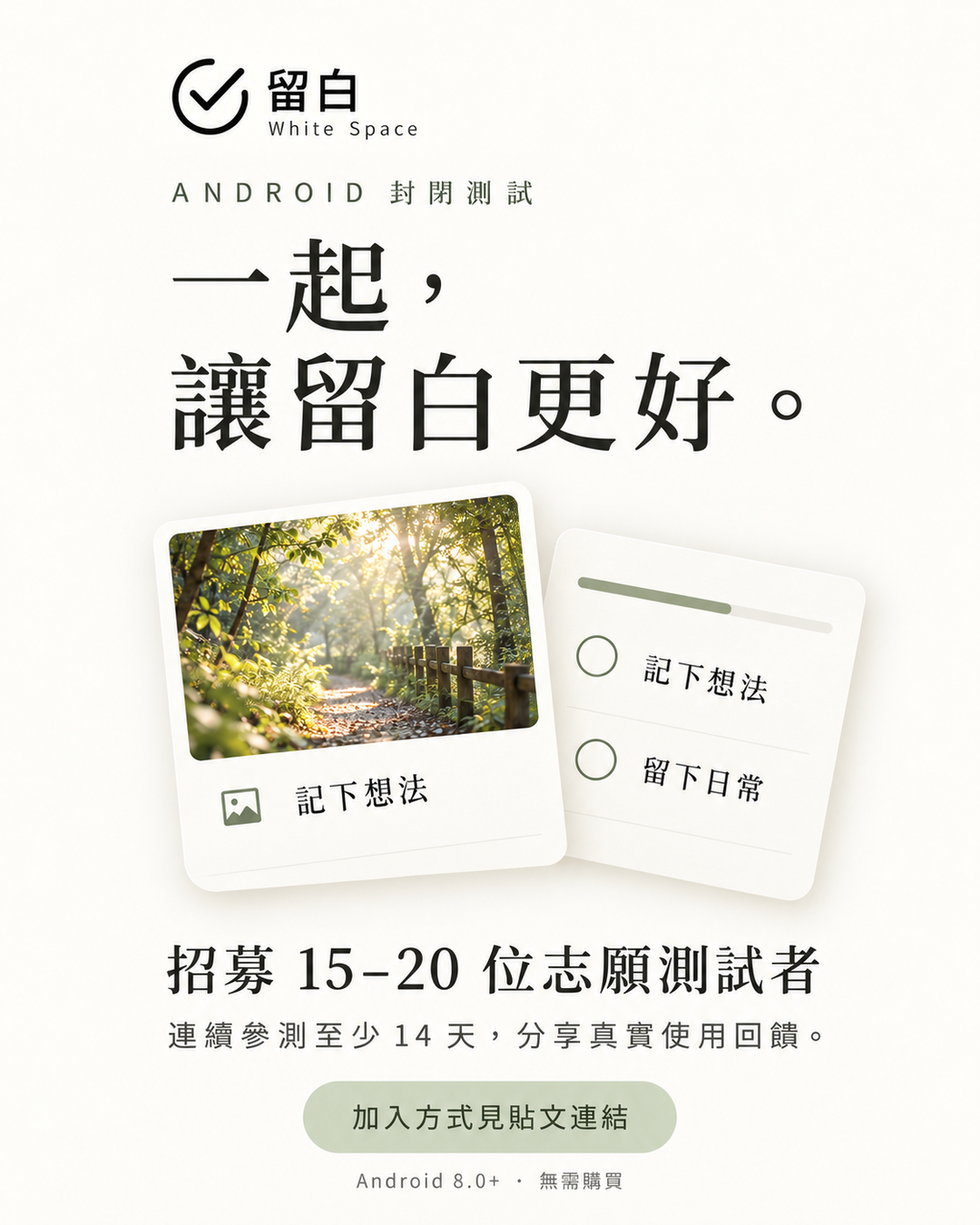
一起,讓留白更好。
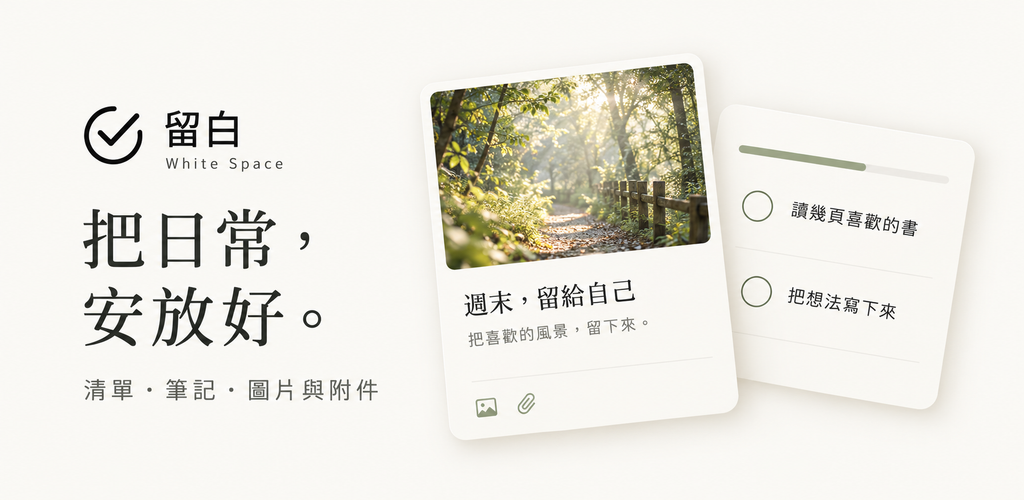
把清單、筆記、圖片與附件,放在同一個安靜的地方。記下一個想法,留下一段日常,讓每一步慢慢累積。
目前招募 15–20 位 Android 志願測試者。請連續保持參測資格至少 14 天,按日常需要使用,分享真實感受與遇到的問題。
三個步驟,加入測試
請全程使用同一個 Google 帳號;需要能使用 Google Play,且所在地區可下載此測試版。
加入測試社群
使用 Google Play 帳號加入指定 Google Group。
加入測試群組接受測試邀請
在 Google Play 頁面選擇「成為測試人員」。
成為測試人員安裝並體驗
從 Google Play 安裝,在日常中試用留白。
前往 Google Play
已加入 TestCrew 測試社群的成員可直接從步驟 2 開始。若顯示沒有資格,請確認群組與商店使用相同帳號,而且已成功加入群組;仍無法加入可寄信聯絡我們。
從你喜歡的方式開始
- 寫一篇筆記,附上示範圖片或影片並直接預覽。
- 整理清單、子任務與數值進度。
- 切換月、週、日日曆,拖曳調整事項順序。
- 登入後體驗自動同步;免費帳號含 200 MB 雲端附件空間。
- 在桌面小工具勾選完成,回報排版與操作感受。
你的回饋,會讓留白更好
完成加入後,歡迎提供手機型號、Android 版本及介面語言。遇到問題時,請說明操作步驟、預期結果及實際情況;截圖請先隱去私人資料。
支援繁體中文、簡體中文、英文、日文和韓文。目前為封閉測試,尚非正式版公開上架。免費參加,訂閱購買尚未開放;不要求好評,也沒有互測或報酬承諾。請以示範內容測試,重要資料保留自己的副本;不要寄送密碼、驗證碼或敏感個人檔案。
Share the invitation · 下載招募海報
Share a poster with this guide’s link, so others can follow the joining steps. 轉分享時,請一併附上本頁連結,方便對方完成加入步驟。